Less manual work than CSV + InkFrog
No more feeding CSV columns with image URLs one by one. Folder Lister reads your folders, uploads images directly to eBay and pushes drafts while you focus on the collection itself.
If you’re struggling with interval scheduling, CSV files full of image URLs and external image hosting in tools like InkFrog, Folder Lister was built to fix exactly that. It turns Windows folders into listings, uploads images directly to eBay’s own servers (EPS), applies your logo and template, and can even fill in item specifics from simple codes inside your titles.
In InkFrog and similar tools you often end up juggling CSV files and external image hosting: upload images somewhere else, copy URLs into a spreadsheet, and hope nothing breaks. That’s a lot of manual work when you’re listing real volume.
You don’t need a separate web server, CDN or image-hosting subscription. No broken URLs, no “where did that image go?” surprises — just safe storage on eBay’s image server with your logo and template ready to go.
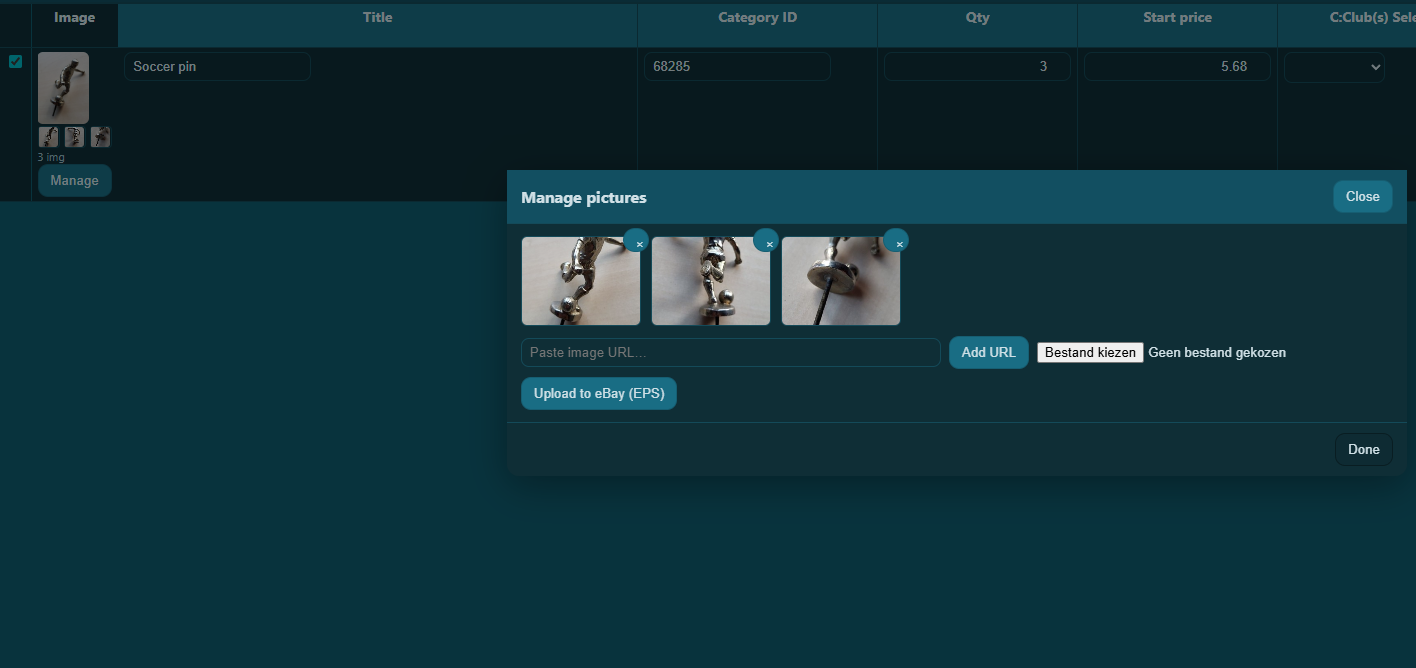
One of the biggest pain points we hit in InkFrog was scheduling: getting auctions live with a predictable interval instead of everything starting at once. Folder Lister includes a built-in scheduler with a time-delay setting between listings.
This is especially useful for large collections, where you want buyers to actually see and bid on each individual listing — not 500 items starting in the same second.
Many traditional tools lean heavily on templates and CSV files — including the way you manage image URLs. Folder Lister starts at the place where your products already live: your folder structure.
The goal is simple: less copy-pasting, fewer moving parts, and more listings online without the CSV overhead.
No more feeding CSV columns with image URLs one by one. Folder Lister reads your folders, uploads images directly to eBay and pushes drafts while you focus on the collection itself.
Work from a desktop application on your own machine, then fine-tune drafts in the web editor before publishing to eBay.
Designed for pins, cards, stamps, coins, patches and other collection-based workflows, where you want accuracy, branding and speed in the same tool.
One thing that really sets Folder Lister apart from generic eBay tools is its title coding system. Instead of filling in every item specific by hand, you can embed compact codes in your titles or folder names. Folder Lister reads these codes and turns them into structured item specifics.
For example, a badge titled [VE3+] Lufthansa pin could encode “vintage”, “enamel”, a specific size and condition. Folder Lister can translate that into item specifics like material, style and condition on your drafts.
The result: you stay in your natural flow — naming items — while the app does the repetitive work of filling in item specifics consistently across hundreds of similar listings.
Folder Lister is a strong fit if your day-to-day looks like this:
If that sounds familiar, Folder Lister is probably the bulk eBay listing tool you were hoping existed.