
Public image URLs add extra steps
Many bulk-feed workflows depend on URLs that must stay public, formatted correctly and matched to the right listing rows.
Seller Hub Reports and other URL-based bulk workflows often rely on publicly reachable image URLs. Folder Lister takes a different route: it uploads local photos to eBay during the draft flow, so high-volume sellers and sellers of collectables do not need a separate image-hosting setup just to bulk list on eBay.
When image handling becomes a separate workflow, sellers end up doing extra admin before they have even created a draft.
Many bulk-feed workflows depend on URLs that must stay public, formatted correctly and matched to the right listing rows.
On variation listings it helps to keep one image route, because mixed workflows can become harder to maintain later.
Folder Lister starts from the photos on your own machine and uploads them during the draft flow instead of asking you to maintain image links.
A cleaner route from local photos to eBay drafts, without breaking the page into too many technical detours.
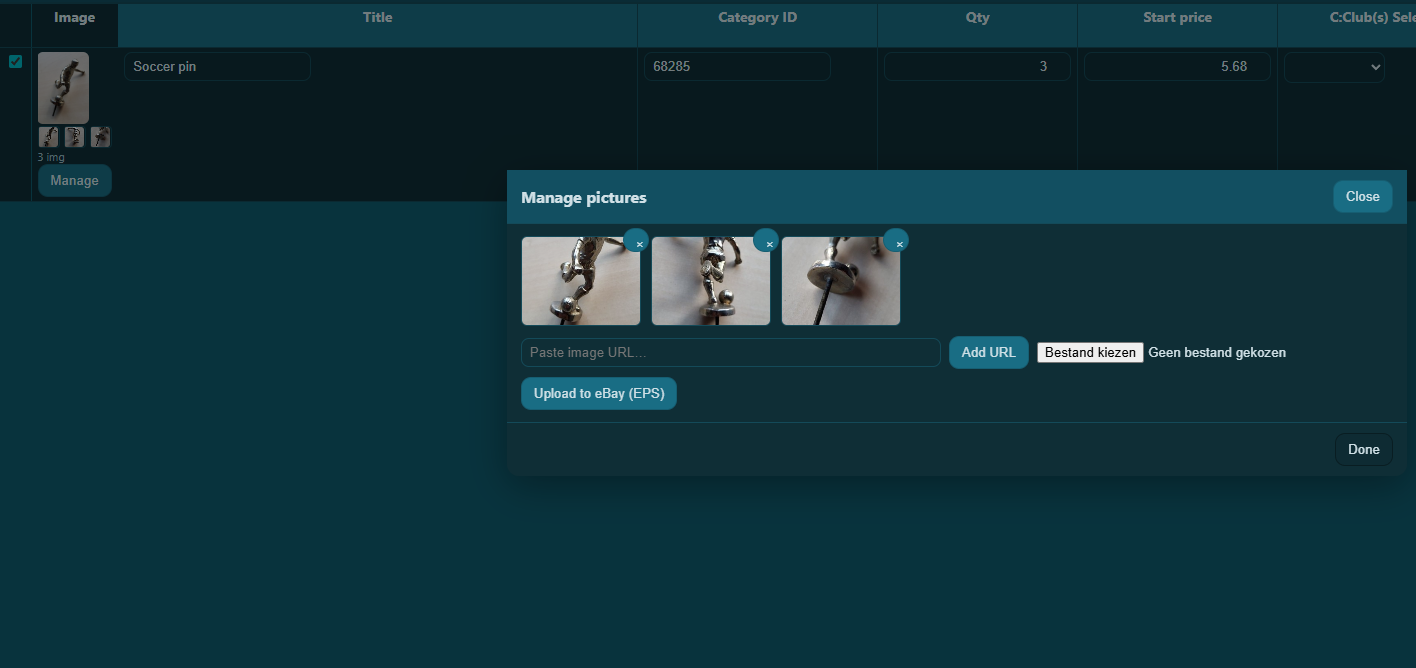
Pick a local folder with your product photos. Folder Lister maps each image to its listing automatically and uploads everything to eBay during the draft flow.
That matters when you later reopen a MultiListing, add new stock or revise images. Folder Lister keeps the path tighter by starting from your local files and uploading to eBay during the same flow.
For sellers handling large batches, that means fewer fragile handoffs between image prep, listing prep and later edits.
This table stays narrow and practical: how the image workflow itself differs.
| Image workflow | Folder Lister | InkFrog | Seller Hub Reports |
|---|---|---|---|
| Separate public image URL list as the core workflow | No | No | Usually yes for file feeds |
| Direct folder-based input from local photos | Core workflow | Not the main public positioning | No |
| No CSV required in the main workflow | Yes | Yes | No |
| Main image promise | Upload local images to eBay during the draft flow | Included image-hosting option inside the platform | Supply image URLs in the feed |
No. Images are uploaded to eBay during the listing flow, so a separate public image-hosting setup is not the core workflow.
No. The same workflow also helps high-volume sellers who process large batches and want fewer moving parts between local photos and final listings.
Yes. Keeping one consistent image route becomes even more useful when you later reopen and extend MultiListings.
Watch the workflow video for the overview, then use the docs for the written step-by-step guide.